Your boarding pass on your phone in three steps
No airline app to install for every trip. Check in as usual, then keep all your passes in one place.
-
Check in with your airline
Online, in the airline's app or at the desk. You get your boarding pass as a PDF, a mobile pass or on paper.
-
Add it to Flight Pass
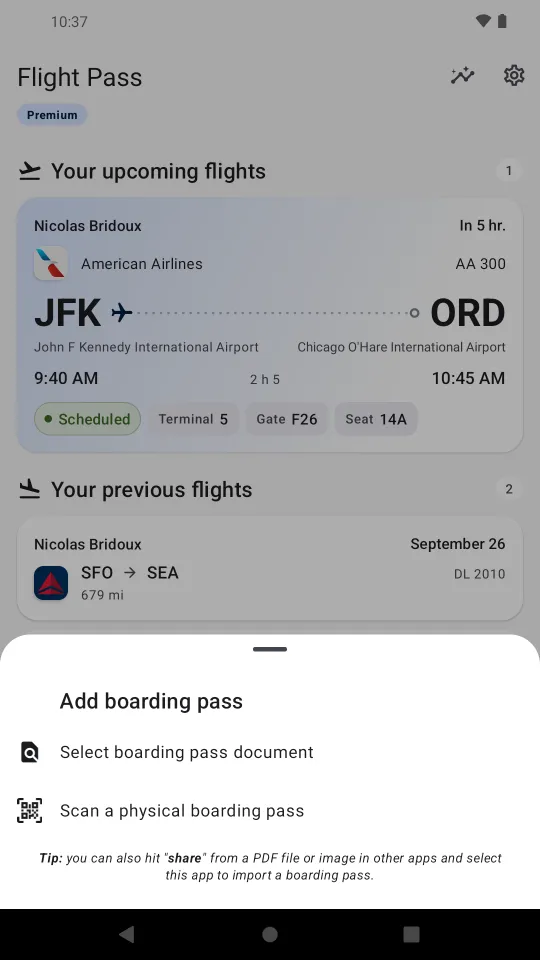
Share the PDF or screenshot from your email, open the .pkpass file, or take a photo of the paper pass. Flight Pass reads the barcode and fills in the flight.
-
Show it at the gate
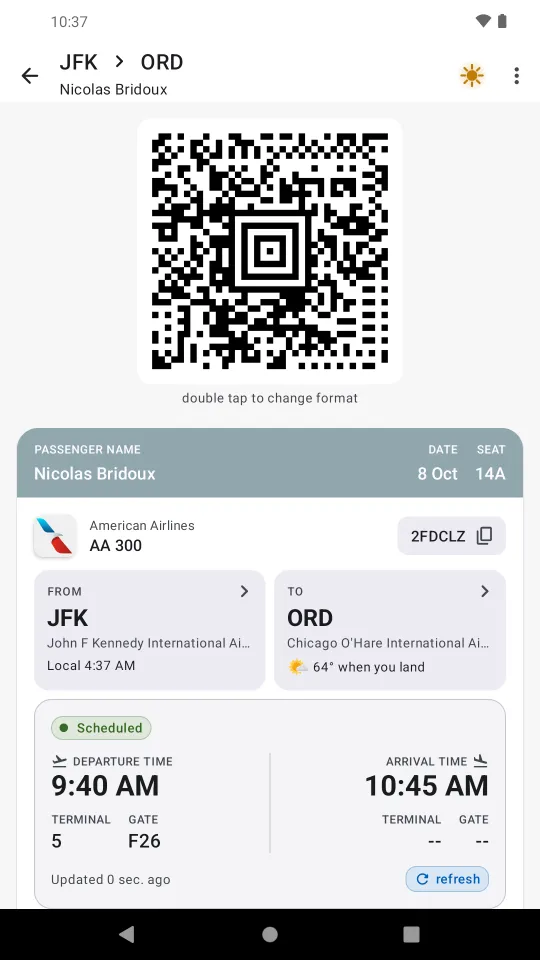
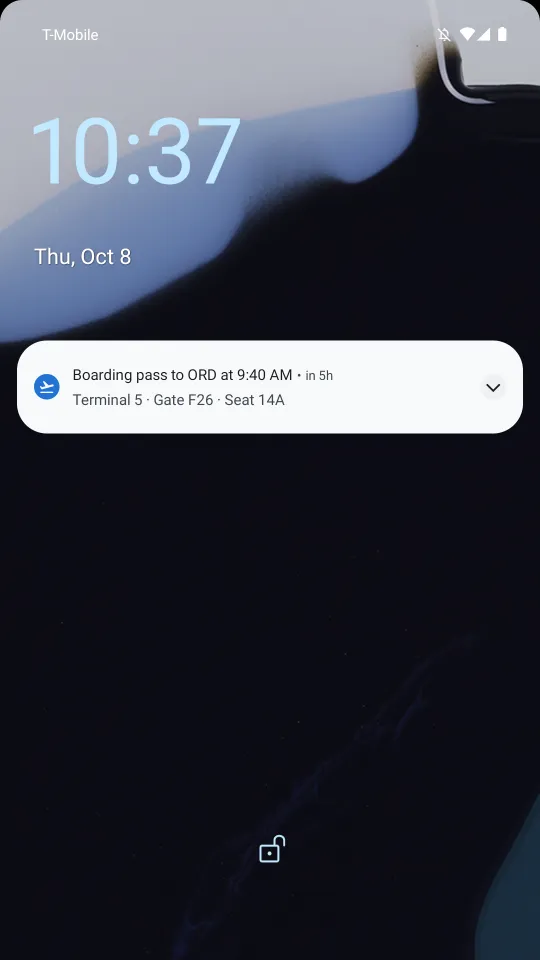
Before departure, a notification brings your terminal and gate. Tap it and the barcode opens full screen, at full brightness.
Made for the moments that matter
From the email your airline sends to the scanner at the gate, Flight Pass takes care of the parts of a trip that usually go wrong.
An offline boarding pass
Your pass opens in one tap, large and bright, so the scanner reads it first time. No signal needed.
Any pass, any airline
Import the PDF from your check-in email, a screenshot, a photo of a paper pass or a .pkpass file.
Gate and delay alerts
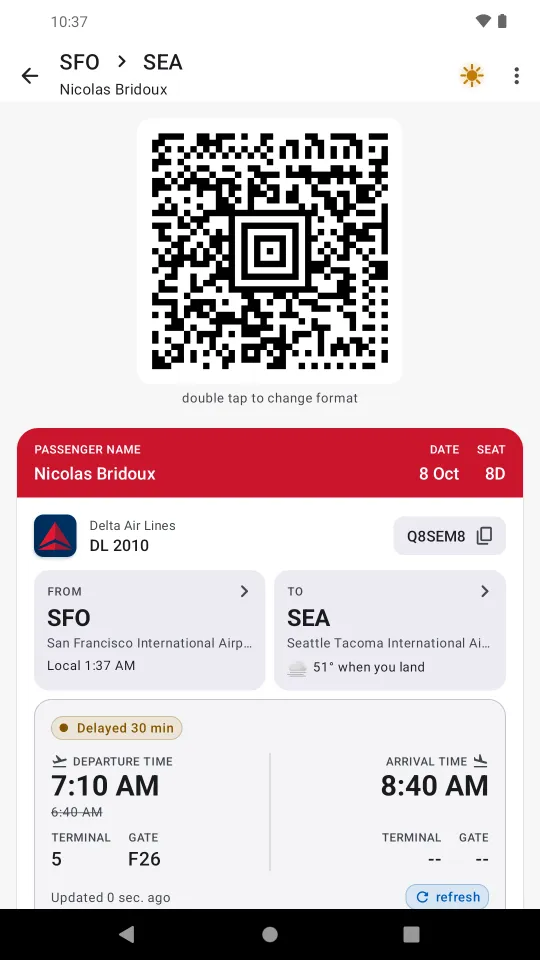
A reminder before you leave, with your terminal and gate, and a heads-up when the departure time moves.
Connections in order
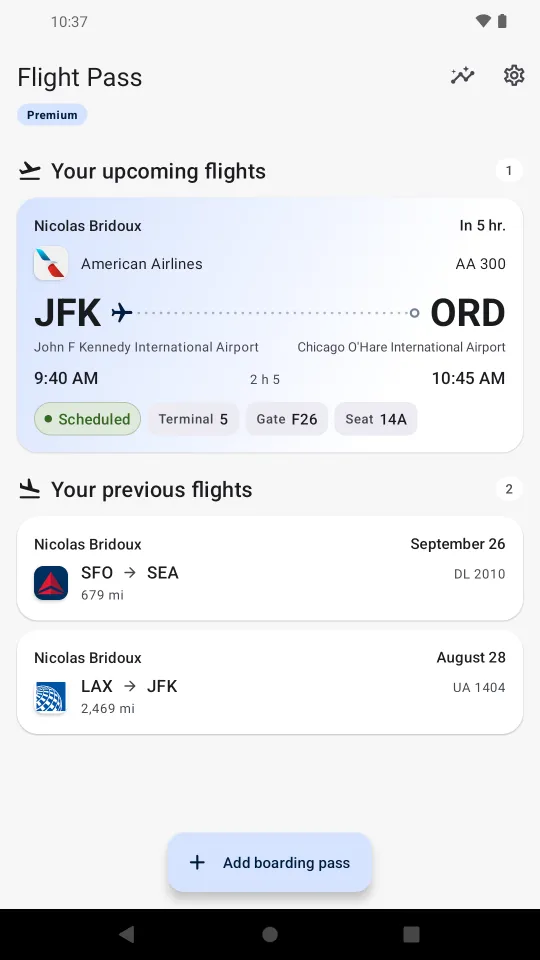
Multi-leg trips show one card per flight, in the order you fly them, with the time you have to connect.
Your next flight at a glance
A home screen widget shows the route, departure time, gate and flight status without opening the app.
Your travel in numbers
Distance flown, time in the air, airports visited, favourite routes and airlines, year after year.
See it in action
Everything about your flight, one tap away.
Questions
Does Flight Pass work with my airline?
Yes, if your airline gives you a boarding pass with a barcode. Flight Pass reads the standard barcode printed on mobile, PDF and paper boarding passes, so it works with full-service and low-cost airlines alike.
How do I open a .pkpass boarding pass on Android?
Open or share the .pkpass file with Flight Pass. It imports the pass with its barcode, and also the boarding time, terminal, gate and gate closing time when the airline includes them.
Does it work offline at the airport?
Yes. Your boarding passes are stored on your phone, so the barcode opens with no signal. Live flight status and weather need a connection.
Is Flight Pass free?
Yes. The free version shows ads, and a one-time purchase on Google Play removes them.
Do I need an account?
No account and no sign-up. Backing up your passes to your own Google Drive is optional.
Your passes stay yours
Your boarding passes are stored on your phone, with no account and no server of mine in between. Only anonymous statistics and crash reports help me improve the app. Read the privacy policy.

Ready for your next flight?
Free on Google Play, for any airline that issues a boarding pass with a barcode.
